Skip to contentSolution ArchitectureConnect Demand, Suppliers, Inventory, and Fulfillment Decisions
An operational supply-chain platform connecting demand, procurement, inventory, fulfillment, traceability, and management decisions.
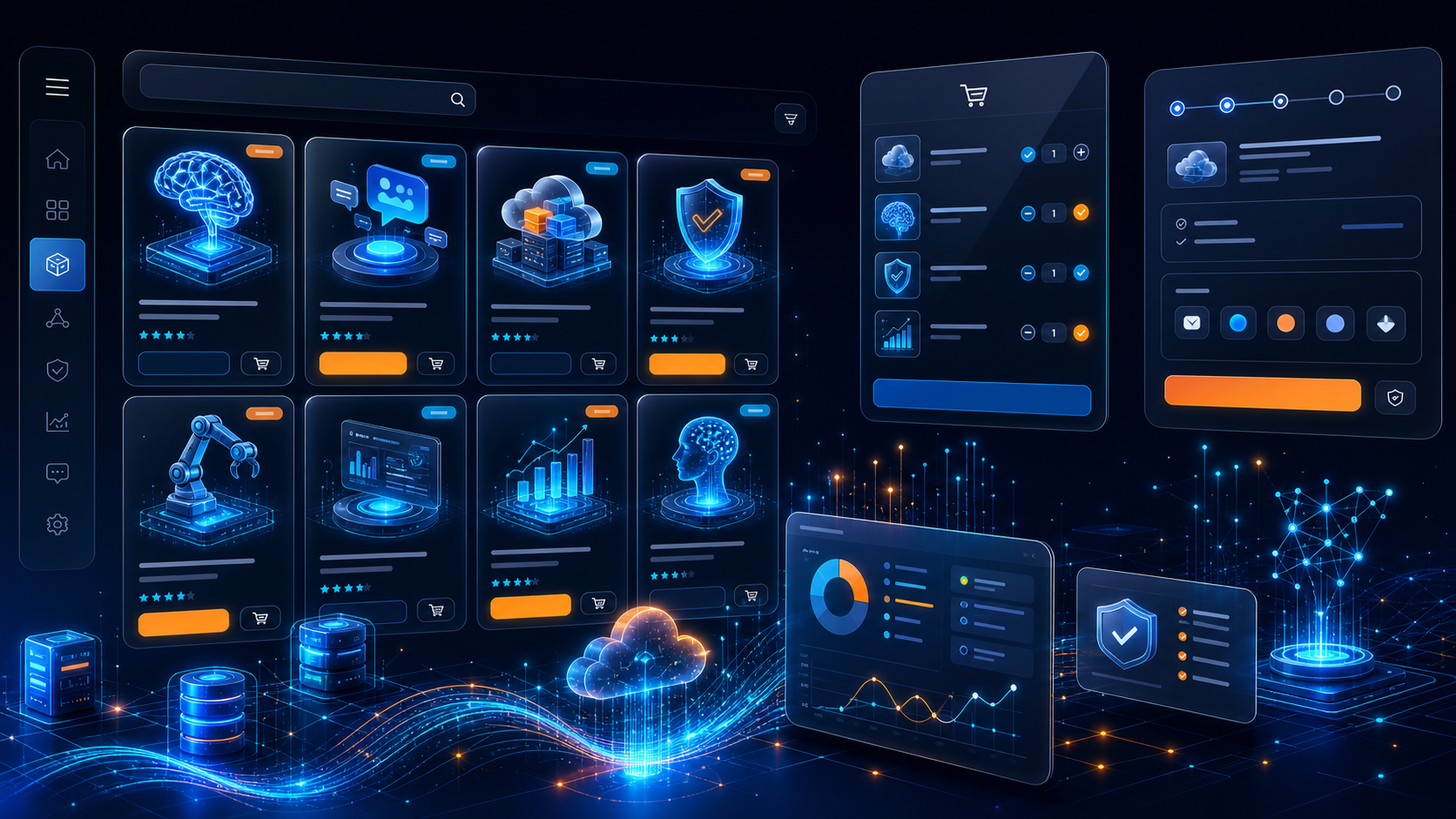 Concept view of replenishment, supplier approval, warehouse stock, dispatch, and exceptions; not a live logistics deployment.
AudienceWho this is designed for
Distributors, manufacturers, agribusinesses, retailers, procurement teams, warehouses, and field operations.
Operating ProblemWhat needs to change
Demand, purchasing, supplier records, stock movement, fulfillment, transport, and exceptions are hard to coordinate without a shared data model.
Workflow
From intake to accountable outcome.
- 01
Demand and replenishment planningDefined ownership, evidence, review, and escalation are confirmed during discovery.
- 02
Supplier and purchase approvalDefined ownership, evidence, review, and escalation are confirmed during discovery.
- 03
Warehouse receipt, stock, and dispatchDefined ownership, evidence, review, and escalation are confirmed during discovery.
- 04
Delivery, exception, and performance reviewDefined ownership, evidence, review, and escalation are confirmed during discovery.
PeopleRoles and responsibilities
- Planners
- Procurement
- Suppliers
- Warehouse and logistics
- Finance and management
ProductModules and capabilities
- Demand planning
- Supplier management
- Procurement
- Inventory
- Warehouse
- Transport
- Traceability
- Analytics
ConnectionsIntegration boundaries
- ERP/accounting
- POS/ecommerce
- Barcode or scanning
- Logistics providers
- Forecasting data
SecurityData and security controls
- Role and location-based operational access
- Approval thresholds for purchasing and inventory adjustments
- Traceable stock, supplier, dispatch, and exception events
- Backup, recovery, device, and integration controls
Implementation
- DiscoverMap products, locations, suppliers, purchasing, stock, fulfillment, transport, and source data.
- Launch MVPConfigure supplier records, purchase workflow, inventory visibility, receipt, dispatch, and reporting.
- Connect operationsIntegrate approved ERP, POS, ecommerce, scanning, logistics, and forecasting data.
- OptimizeValidate counts and controls, train teams, phase locations, and add forecasting or traceability after stable adoption.
Deployment
- Secure cloud for distributed operations
- Private cloud for enterprise supply chains
- Hybrid connections to warehouse, ERP, and point-of-sale systems
- Edge or offline workflow assessment for constrained locations
Support
- Planner, procurement, warehouse, logistics, and administrator training
- Go-live inventory and reconciliation support
- Integration, device, backup, and exception monitoring
- Optional managed analytics and operational improvement releases
Governance
- Demand forecasts include confidence and source context
- Planners can override recommendations with recorded reasons
- Supplier scoring criteria and ownership are documented
- Forecast drift, stock exceptions, and automation failures are monitored
IndustriesRelevant operating contexts
Related
Continue the decision path.
FAQ
Questions to resolve before implementation.
Can the system support multiple warehouses?
Yes. Location, role, stock movement, transfer, and reconciliation rules are designed before rollout.
Does forecasting automatically place orders?
Not by default. Recommendations remain visible and explainable, with approval thresholds and human override.
Can barcode scanning be included?
Yes, after device, label, connectivity, workflow, and integration testing.
Next StepDefine the smallest useful first release.
Confirm users, workflow, data, integrations, controls, measures, timeline, and support before a formal proposal.
Ask AI what ARRIX does for Supply Chain Management System
Opens your assistant with the question ready. Gemini has no pre-filled link, so we copy the question to your clipboard first.